Brevity - AI powered PDF summerizer
BREVITY - AI-Powered PDF Summarizer
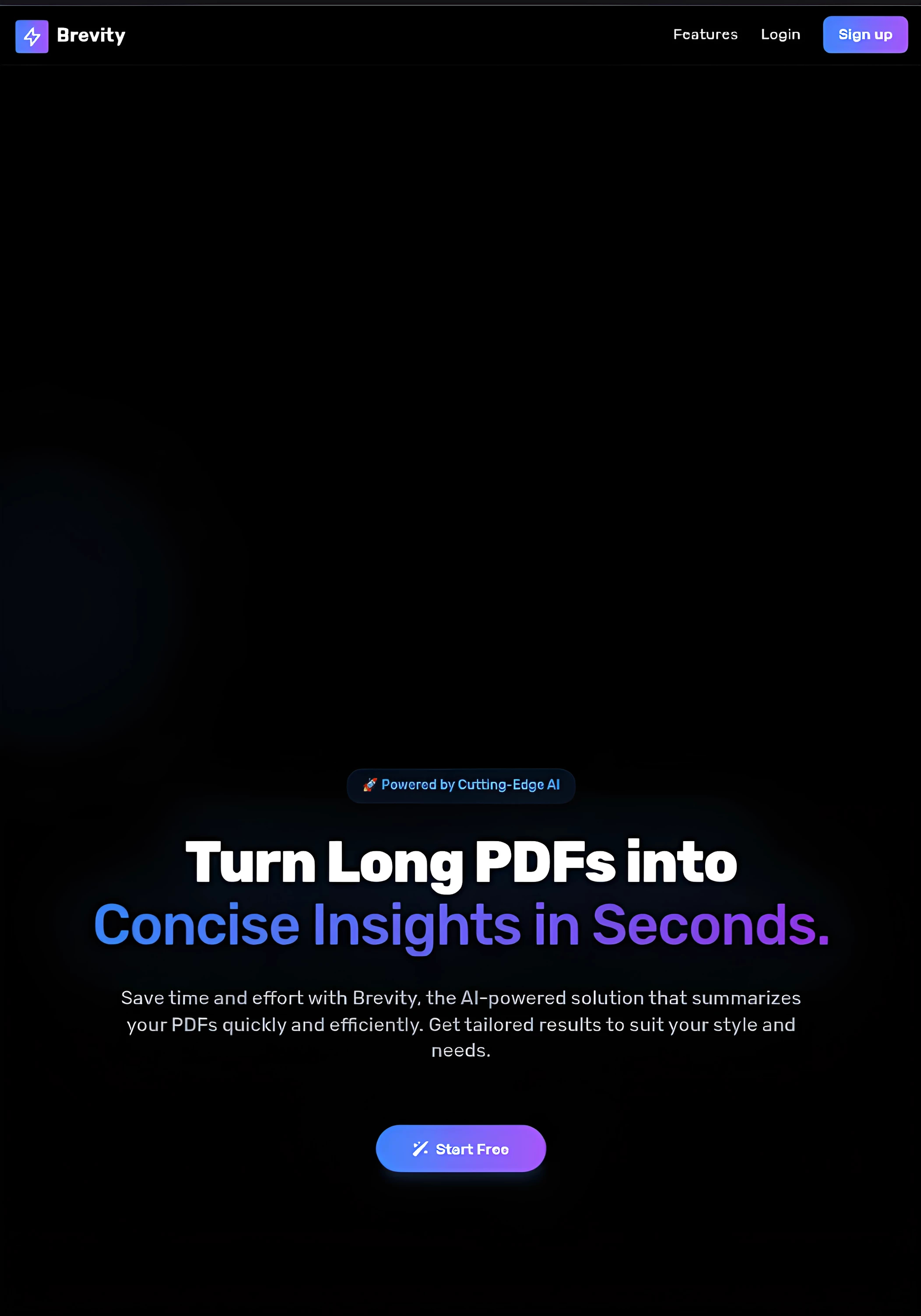
BREVITY is an AI-driven PDF summarization tool designed to help students and researchers summarize PDFs efficiently. Whether you need a short summary, a detailed research breakdown, objective questions, a fantasy version, or even a dumbed-down explanation, Brevity gives you full control over how your summaries are generated.
🔗 Live Demo: ai-brevity.vercel.app
Why I Built This Project
I built Brevity to explore AI-powered text processing and to help students (including myself) with quick and efficient PDF summarization. During my tests, I realized that different users have different needs when it comes to summarization, so I implemented multiple summary styles to fit various use cases.
How Students Benefited
Brevity helped many students by turning their study materials into summarized versions tailored to their needs. The objective question format was particularly useful for students preparing for Computer-Based Tests (CBT). My coursemates and I used it extensively during our school exams, making it easier to revise large amounts of content quickly.
Reviews
"Brevity helped me through my exams, and I use it in my everyday life." - Olamide (Course Mate)
Features
- Custom Summarization Styles: Choose from multiple summary types including:
- Short summaries
- Detailed research breakdowns
- Objective questions
- Fantasy-style summaries
- Dumbed-down explanations
- Theme Selection: Users can personalize their experience with different themes.
- AI-Powered: Uses Google's Gemini AI for high-quality summary generation.
- Fast and Efficient: Summaries are generated quickly, making it ideal for students and researchers.
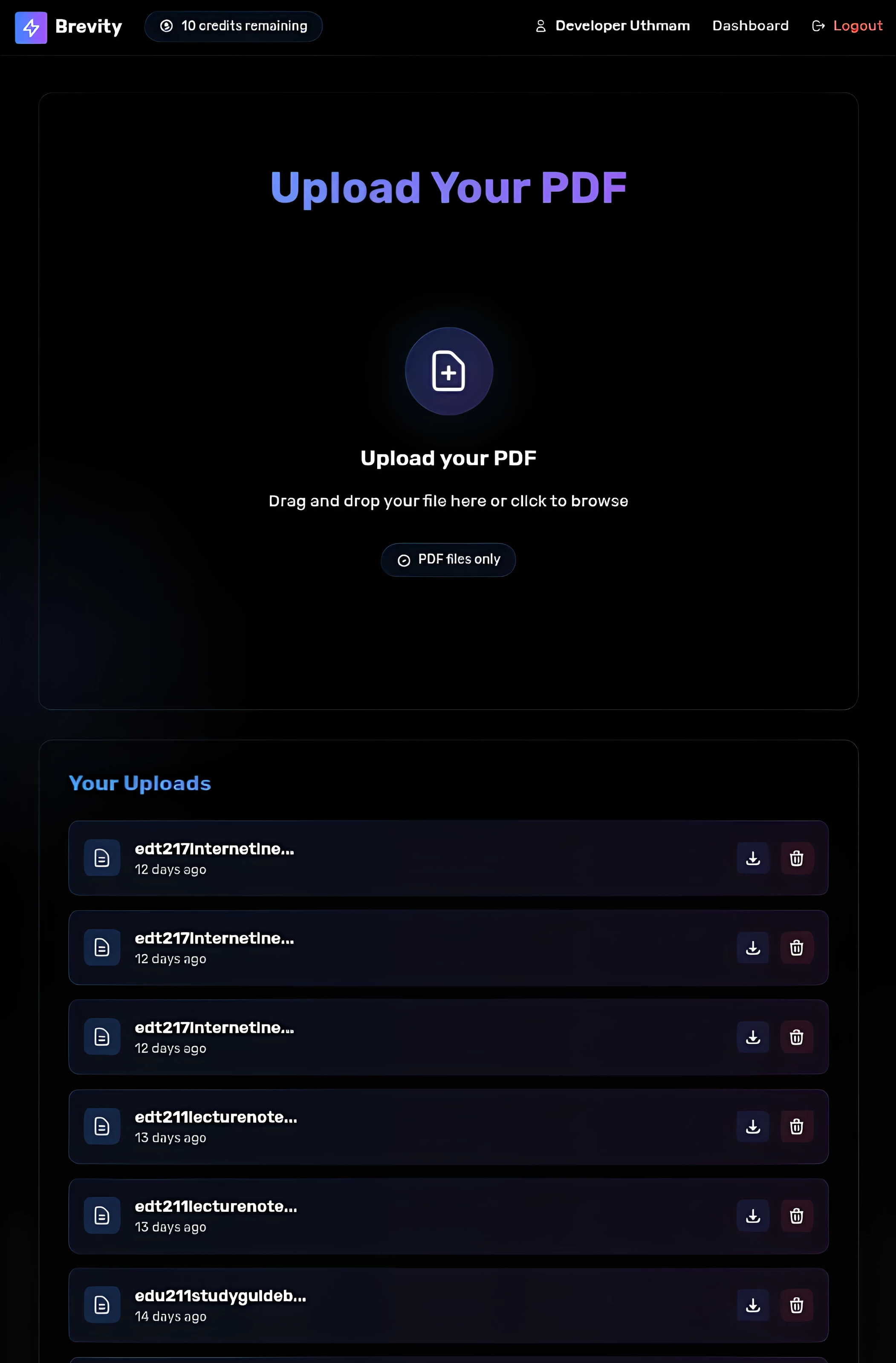
Dashboard Preview
Here’s what the dashboard looks like:
Limitations
Currently, Brevity does not support OCR (Optical Character Recognition), meaning it cannot process scanned PDFs or images containing text. However, I plan to add OCR support in future updates.
How I Built Brevity
The core implementation of Brevity was quite simple, thanks to existing libraries. However, I faced several challenges, especially with text encoding and character corruption.
Libraries Used:
- FPDF - For handling PDF parsing and generation.
- Smalot\PdfParser\Parser - To extract text from PDFs.
- Carbon\Carbon - For handling date/time operations.
- voku\helper\UTF8 & ForceUTF8\Encoding - To fix UTF-8 encoding issues.
- Symfony\Component\String\UnicodeString - To handle string transformations.
Fixing UTF-8 Encoding Issues
Some characters were not displaying correctly after text extraction. To fix this, I implemented a character replacement hashmap:
$replacements = [
    "–" => "—",
    "â€" => "—",
    "\xe2\x80\x94" => "—",
    "â€" => "–",
    "\xe2\x80\x93" => "–",
    "“" => "\"",
    "â€" => "\"",
    "‘" => "'",
    "’" => "'",
    "…" => "…",
    "—" => "-",
    "–" => "-",
    "\"" => "\"",
    "―" => "'",
    "‘" => "'",
    "…" => "..."
];
This replaced corrupted characters with their correct versions, ensuring proper text formatting.
Challenges Faced
- Text encoding issues (solved using UTF-8 normalization).
- Hosting problems due to server-side processing.
- Frontend design challenges while integrating multiple themes.
Future Plans
- Add OCR support for scanned PDFs.
- Improve AI response accuracy for better summaries.
- Enhance UI with more customization options.
If you're interested in checking out Brevity, try the live demo at ai-brevity.vercel.app.